BLOG
Tips, guides and updates
Practical guides on AI photos, videos and getting the most out of AI Formule.
Making B-roll with AI: supporting shots that carry your video
Atmosphere and detail shots hold attention. Here's how to make AI b-roll that carries your main video, with no separate shoot.
Read more
Launching an AI influencer: plan your first posts
One nice photo does not make an influencer. Here is how to plan your first posts around one recognizable persona and a rhythm you can keep up.
Read more
From landscape to vertical: reframe your AI clip
Cropping a landscape clip straight to vertical throws away two-thirds of your frame. Here's how to keep your subject in shot, or generate vertical from the start.
Read moreWarm and cool color contrast for a cinematic AI look
Warm tones on your subject, cool tones in the background. That is how you steer the teal-and-orange contrast that gives film its cinematic look.
Read moreMake a Cinemagraph with AI: One Moving Detail
A still photo with one subtle motion that loops forever. Here's how to make a cinemagraph with AI without the rest of your image moving along.
Read moreHow to make a seamless loop in your AI video
A good loop hides the seam between the end and the start. Here's how to design the motion so your clip keeps flowing and your watch time climbs.
Read morePay-per-use or subscription: which is cheaper?
A subscription only pays off above a certain volume. Here's how to find the point where it flips, and why you tend to underestimate your fixed costs.
Read moreRemove objects from your photo with AI inpainting
Taking a distracting object or a passer-by out of your shot is doable with AI inpainting. Here's how to do it cleanly, without a smudge or a warp.
Read more
Labeling AI content: C2PA, SynthID and the EU rules
Since August 2026, AI content in the EU has to be recognizable. Here's how Content Credentials, SynthID and platform labels work, and how to mark your posts.
Read moreMake a week of content in one AI session
Posting consistently eats time. Here's how to make a week of content in one AI session, batching smart and paying per render.
Read more
Steering a believable age in AI portraits
AI image models default to young, smooth faces. Here's how to give your AI persona an age that holds up, from fine lines to greying temples.
Read more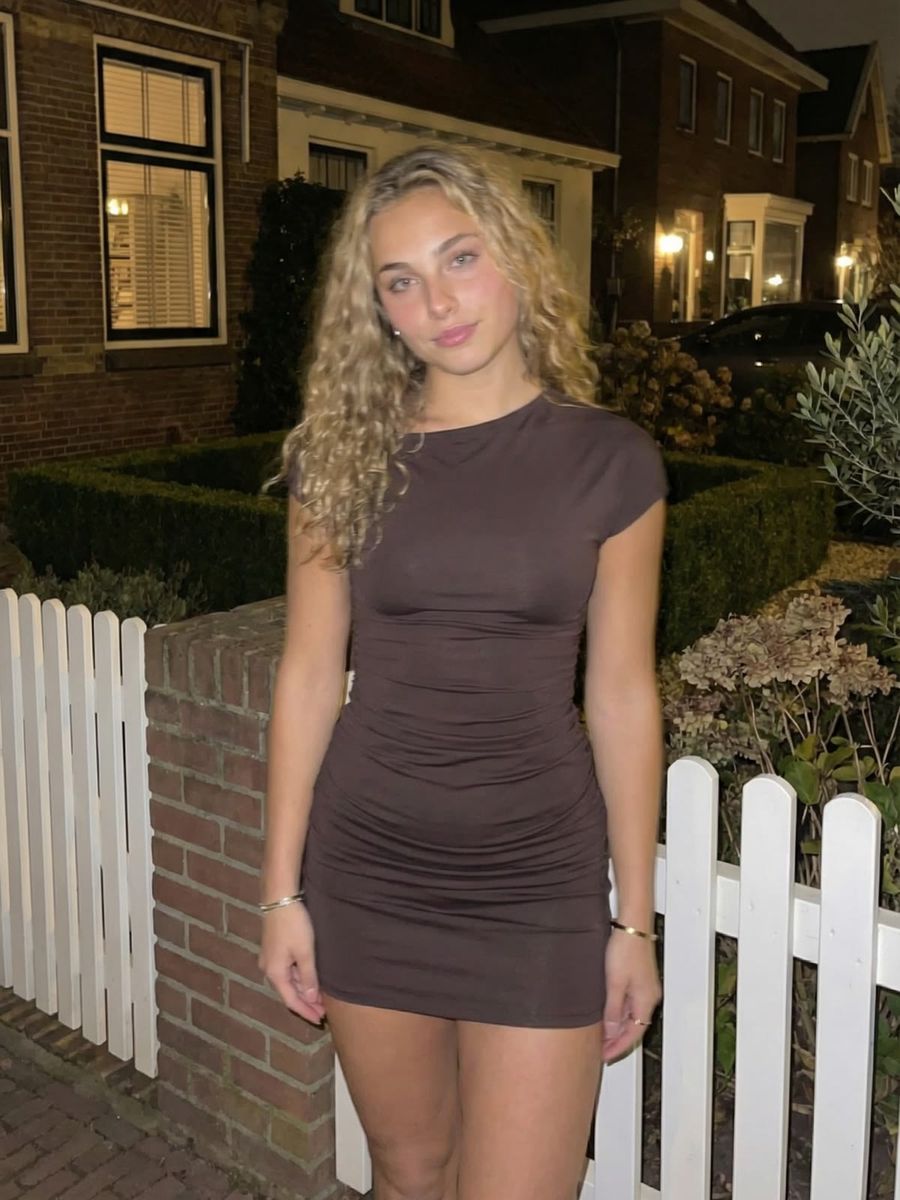
Motivated Lighting in AI Photos: Give Light a Source
AI models often render beautiful light that comes from nowhere. Here is how to give your image a believable source that holds up.
Read moreDutch angle in AI images: tilt the horizon on purpose
A tilted horizon adds tension, but too subtle or by accident it just looks wrong. Here is how to steer a dutch angle on purpose in your prompt.
Read more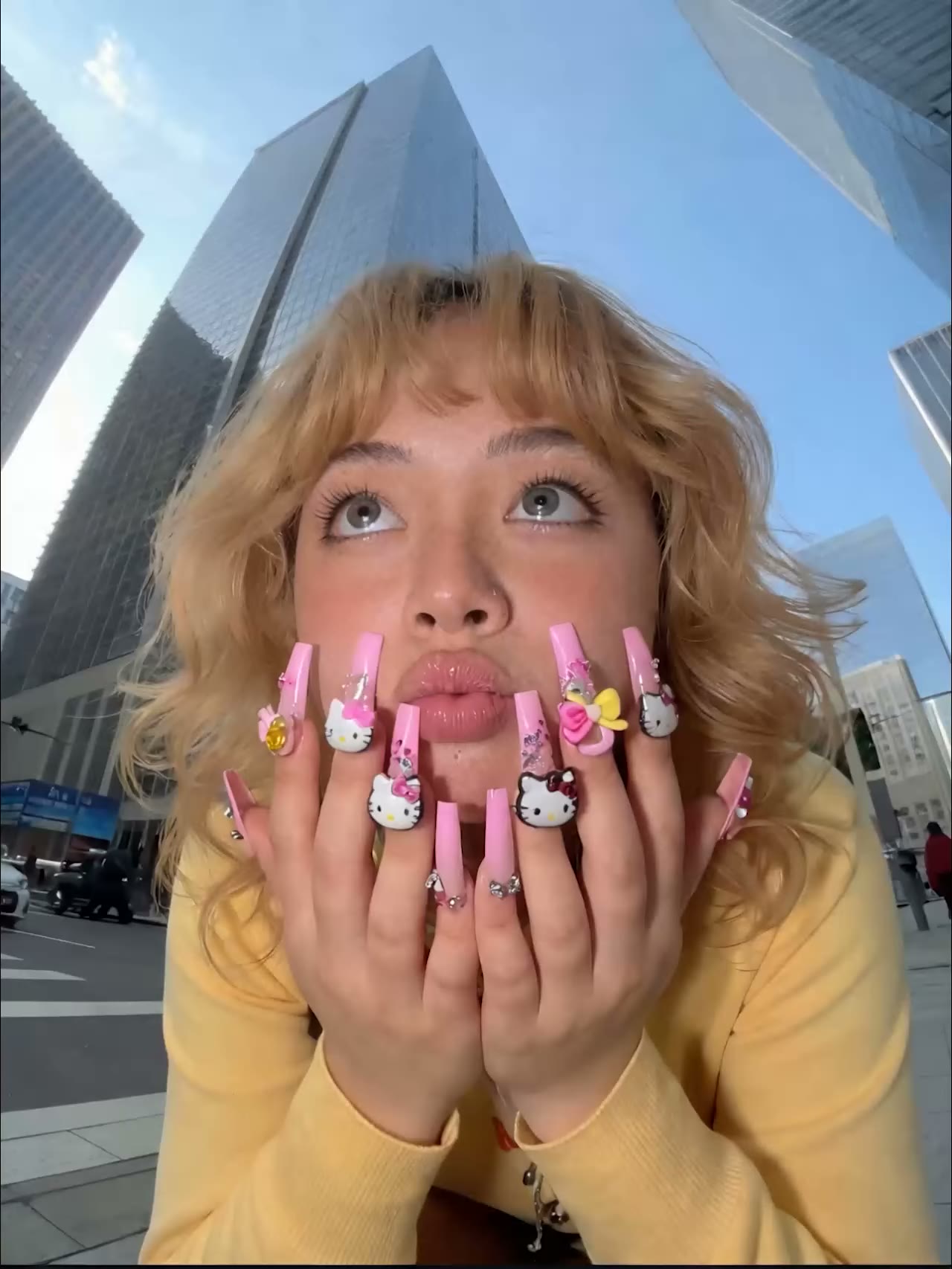
Timelapse and hyperlapse in AI video: speeding up time
A timelapse packs hours into seconds. Here is how to steer that look, and the moving hyperlapse, in your AI video without flicker.
Read morePOV and over-the-shoulder shots in your AI content
Pick a viewpoint inside the scene instead of showing it from outside. Here's how to use POV and over-the-shoulder shots to make your AI photos and video more immersive.
Read moreSilhouettes in AI images: shaping backlight and form
A silhouette lives or dies by a readable shape. Here's how to steer backlighting in your prompt and keep your subject recognizable when the face drops away.
Read more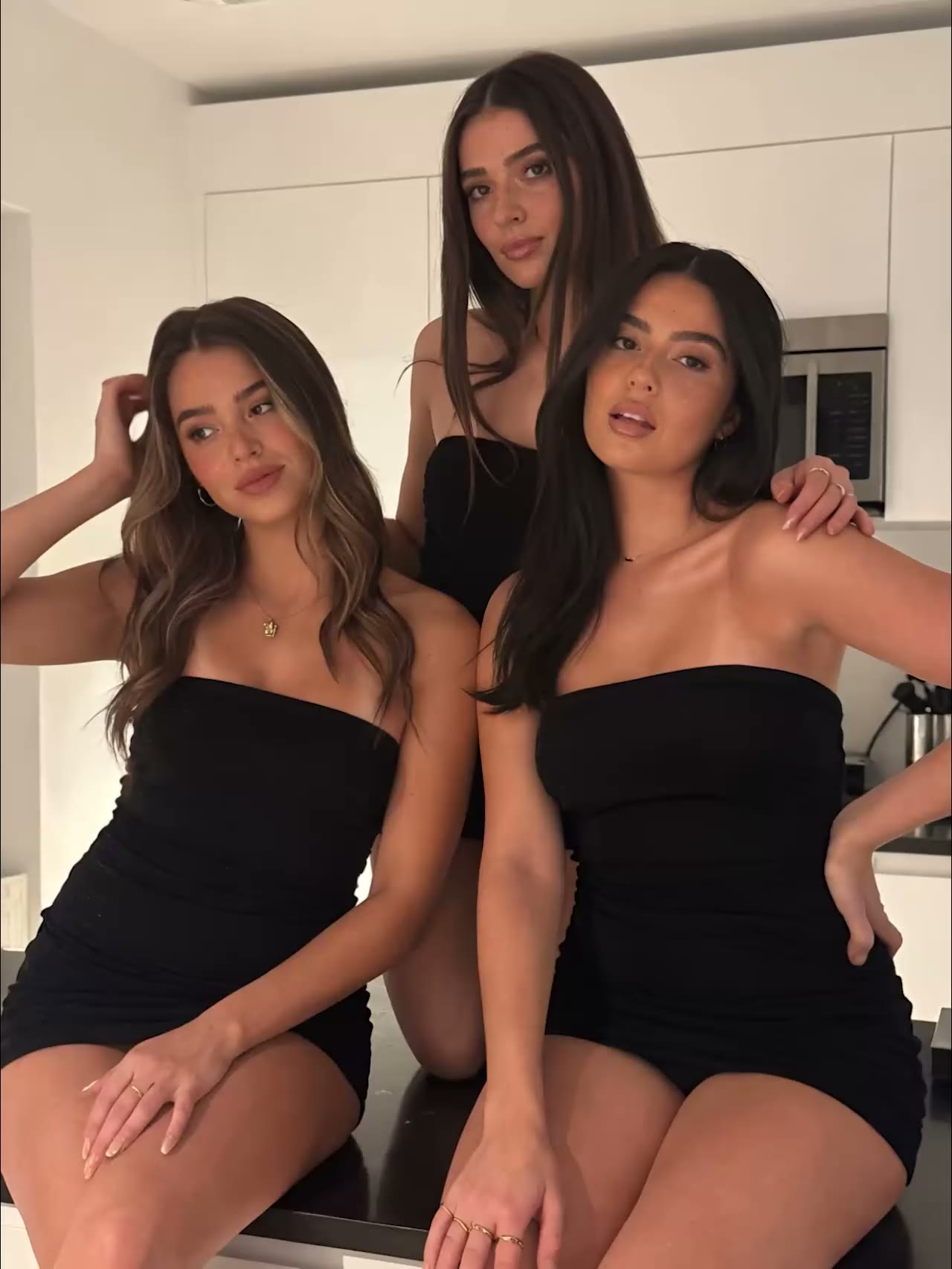
Fast motion in AI video without warped limbs
Fast motion is where AI video breaks most often. Here is how to keep dancing, running and jumping believable without warped limbs.
Read moreFraming your AI photo: rule of thirds and headroom
Not every subject belongs dead center. The rule of thirds, headroom and looking room steer where the viewer looks and keep your AI image balanced.
Read more
Portrait lighting patterns: Rembrandt, loop and butterfly
"Soft light" leaves the choice to the model. Name the pattern (loop, Rembrandt, butterfly) and you control exactly how light falls on the face.
Read moreThree-point lighting in AI photos: key, fill, back
Pros light a portrait with three lights at once: key, fill and back light. Here is how to ask for all three in one AI prompt and choose how much contrast you want.
Read moreA/B test your thumbnail: why one cover isn't enough
90% of YouTube's best-performing videos have a custom thumbnail, yet most people make just one. Here's how to generate several variants and test which one actually wins.
Read moreGetting an exact, consistent color in AI images
Image models read "#1E90FF" as loose characters with no color meaning. A recognizable color name plus material and light steers a shade far more precisely, and keeps it consistent.
Read moreWhy one color can tint your whole AI image
You ask for a red coat and your whole scene gets a red cast. Why an attribute leaks across the rest of your AI image, and how to keep it on one subject.
Read more
Why AI Merges Two Subjects Into One
You ask for two subjects and get one, half of each. Why AI image models fuse subjects together, and how to keep them separate.
Read moreWhy AI Sometimes Leaves a Subject Out of Your Image
You name a dog and a cat, but the cat is missing. Why AI image models sometimes omit a subject entirely, and how to force it back in.
Read moreLeft, Right or Behind: Steering Position in AI Images
Models read your prompt as loose concepts, not a floor plan. Here's how to keep control over where each element lands in your AI image.
Read moreWhy AI Gets the Number of Objects Wrong
Three bottles sometimes turn into two or four. Why AI image models struggle to count, and how to get the right number of objects anyway.
Read moreWhy AI Mixes Up Colors and Clothing
The red coat ends up on the wrong person and the blue shirt changes color. Here is how to bind each attribute to the right subject in your AI image.
Read more
Panning in AI photos: sharp subject, streaked background
A sharp subject against a background that flashes past? Here's how to prompt a panning shot in your AI photo without blurring everything.
Read more
Freeze motion in AI photos: a razor-sharp action still
A jumping model or splashing water that smears into a blur? Here's how to prompt a razor-sharp, frozen action moment instead.
Read more
Rim light in AI photos: lift your subject off the background
A thin band of light along the edges lifts your subject off the background. Here's how to prompt for rim light and keep it believable.
Read moreGod rays in AI photos: shaping visible light shafts
Visible light shafts don't appear on their own. With backlight, a medium in the air, and an opening you can steer god rays into your AI image.
Read moreSunstars in AI Photos: Steering Sharp Light Rays
That sharp star of light around the sun or a streetlight? That's a sunstar. Here's how to steer the number of rays and a clean shape in your prompt.
Read moreExporting AI Video Without Compression Artifacts
Platforms re-compress every upload. With the right export settings your AI video keeps its sharpness and avoids blocky artifacts.
Read moreBokeh in AI Photos: Shaping Those Blurred Highlights
Round, creamy highlights or hard little polygons? Bokeh decides how your blurred background looks. Here's how to steer it on purpose in your prompt.
Read more
A face swap that keeps the person recognizable
A face swap lives or dies by a good source photo and matched light. Here's how to keep the face recognizable without an uncanny result.
Read moreFirelight and candlelight in AI photos without the orange wash
Candlelight and fire add instant atmosphere, but AI turns them into one orange soup. Here's how to keep the glow warm and local.
Read moreMake Clothing Photos for Your Webshop Without a Shoot
A separate shoot per product is no longer required. Here's how to show an outfit realistically on a model with AI, without losing color, fit or drape.
Read moreRetention After the Hook: Keep Viewers Past 3 Seconds
The hook is only the start. Here's how to keep viewers past the first 3 seconds with tight pacing and a payoff they're waiting for.
Read moreAI group photos: multiple people that actually work
Multiple people in one AI image often goes wrong, with merged faces, extra limbs and the wrong count. Here's how to keep a group photo coherent.
Read moreClose-Up or Wide Shot: Why Faces Win in the Feed
Photos with a face get more likes and comments. Here's how to fill the frame with your subject, without turning every image into a tight close-up.
Read moreLeading lines in AI photos: guide the eye to your subject
A viewer forms an impression of your image in milliseconds. Leading lines send that gaze straight to the subject that matters.
Read moreSlow motion in AI video, smooth without the stutter
Slowing down a finished AI clip almost always stutters. Here's how to do slow motion right, starting from the prompt.
Read moreWhich resolution and aspect ratio should you pick?
Bigger isn't automatically sharper. Generate at the model's native resolution and upscale afterwards, instead of forcing a giant size up front.
Read moreGaze Direction in AI Photos: Lead the Viewer's Eye
Viewers instinctively follow your subject's gaze. Use gaze direction and lead room to point attention exactly where you want it.
Read more
Transparent materials in AI photos: glass, water and smoke
Transparent materials are hard for AI because light bends through them. Here is how to steer glass, water and smoke so they don't turn into a vague blob.
Read moreWhy AI faces look too average (and how to fix it)
Average faces are pretty but forgettable. Here's how to give your AI character a face people actually remember.
Read moreHow to build a recognizable signature look for your AI persona
Recognition beats generic beauty. Here's how to give your AI persona a fixed look people recognize at a glance.
Read moreMixing artificial and natural light in AI scenes
A warm lamp next to a cool window quickly gives you a half-orange, half-blue face. Here is how to make mixed light cooperate instead of clash.
Read moreMaking Two People in One AI Image Believable
An AI model merges two people faster than you'd think. Here's how to give each their own spot, a simple touch and a face that holds.
Read moreWhat gives away your AI photo? Look past the face
Viewers watch the face, but that's rarely the weak spot. The real giveaways hide in the jewelry, teeth, glasses and background.
Read moreAI product photos that don't look fake: packshot and lifestyle
AI product photos look real fastest when you start from a clean packshot. Here is how to keep scale, material and reflections believable for your shop.
Read moreHow an AI model reads your prompt, and how to write it
An AI model reads no grammar, only tokens. Older models cut off after 77 tokens, newer ones read whole sentences. Knowing which kind you use changes how you write.
Read moreWhy AI food photos look fake, and how to fix it
Too smooth, too glossy, too much on the plate: AI food gives itself away fast. Here's how to make food and drink shots that actually look real.
Read moreStoryboarding with AI: from loose clips to one story
A 30-second AI video is never a single render, but a series of short shots. A simple storyboard lets you plan those shots before you spend any credit.
Read moreToo clean to be real: adding imperfection to AI images
A scene where everything is equally new reads like a showroom. Here is how to add wear and signs of life that make your AI image believable.
Read moreNight Scenes and Neon in AI Photos: Dark Without Noise
An AI night scene rarely fails because of the dark. It fails because the light is wrong. Here is how to steer neon, streetlight and true blacks without a gray haze or banding.
Read moreFabric and Sheen in AI Photos: Satin, Leather, Denim
Clothing that looks like plastic gives your AI photo away faster than a bad face. Here is how to steer satin, leather and denim with the right material terms.
Read moreLifelike Eyes in AI Portraits: Gaze and Catchlights
Eyes are the first thing a viewer looks at and the place where AI portraits most often fall apart. Here's how to get a lively, directed gaze.
Read more
Shadows in AI Photos: Why Your Subject Floats
Without a dark seam where your subject meets the ground, it looks like it is floating. Here is how to get shadows that hold up in your AI photos.
Read more
Reflections in AI Photos: Mirrors, Windows and Wet Streets
A mirror showing something other than the scene gives your AI photo away instantly. Here is how to direct reflections in mirrors, windows and water.
Read moreCamera angle in AI images: eye level, low and high
A low camera makes a subject look bigger, a high one smaller, and eye level feels neutral. Here's how to control camera angle in your AI photos and videos.
Read moreDepth of Field in AI Photos: Blur or All Sharp?
A blurred background makes your subject pop, but not every scene benefits from it. Here's how to steer depth of field on purpose in your AI photos.
Read moreHands in AI images: avoiding extra fingers and errors
Hands are the hardest part for AI. Here's how to pick poses and prompts that fail less, and fix a wrong hand afterward.
Read moreHow to make a scroll-stopping thumbnail with AI
Your thumbnail often decides the click before anyone reads your title. Here's how to build a cover that still pops on a small phone screen.
Read moreSteering emotion in AI portraits, beyond a smile
Typing just 'smiling' often gives a dead, plastic grin. Here is how to describe emotion so your AI portrait actually conveys something.
Read moreWhy your AI video looks choppy: frame rate explained
Your clip is sharp, but the motion stutters. Usually that is not the model's fault, it is a frame rate mismatch.
Read moreOutfit consistency: the same look across images
Every render is a fresh roll of the dice. Here's how to pin down the features of your outfit that must not move, and let the light do its thing.
Read moreFog, rain and backlight in your AI photos
'Rainy day' in your prompt usually gets you nothing but a grey sky. On a photo, weather is mostly a lighting effect. Here's how to describe it.
Read more
Replacing a background: your subject in a new scene
Replacing a background takes one click. Making it believable comes down to the edge, the perspective and the light. Here is how to get all three right.
Read moreFocal length in AI photos: 24mm or 85mm?
24mm, 50mm or 85mm: the lens you name decides how a face reads. Here is how to steer perspective on purpose in your prompt.
Read moreRecreate golden hour and blue hour in AI photos
Warm low sun or cool blue twilight? The right words about time of day, sun angle and color temperature steer the light in your AI photo.
Read moreJPG, PNG or WebP: Which Format for Your AI Image?
JPG for photos, PNG for transparency, WebP for the web. Here is how to pick the right file format for sharp AI images and small files.
Read moreHow long should your AI video be? Length per platform
You can go long, but shorter almost always wins. Here's how to pick the right length per platform and keep your renders affordable.
Read moreA strong hook in the first 3 seconds of your AI video
The first three seconds decide whether someone keeps watching or scrolls on. Here's how to build that hook into your AI video, from opening frame to prompt.
Read moreAI video on mute: make your clip work without sound
Most feeds play on mute. Here's how captions and on-screen text keep your AI video clear even without sound.
Read moreA cinematic look in AI video: light and framing
A cinematic video lives in the light and the frame, not the subject. Here's how to describe lighting, color temperature and composition in your prompt.
Read moreReadable text in your AI images: posters and thumbnails
Garbled letters in your AI image? Here's how to get a title or label that's actually readable and correctly spelled, with the right approach and the right model.
Read moreLip sync in AI video: getting characters to talk
Talking is one of the hardest things for AI video. Here's how lip sync works, why it sometimes fails and how to make the mouth actually match.
Read moreRepairing an AI portrait with inpainting
Your photo is almost right, but the hand is off. With inpainting you fix that one detail without losing the rest of your portrait.
Read moreUpscaling AI images: when it helps and when it doesn't
More pixels isn't always better. Here's how to tell when upscaling truly pays off and when your source is already big enough.
Read moreNegative prompts: what they do and don't do
A negative prompt looks like the simplest way to keep flaws out. But whether it works depends on your model, and many modern tools don't have one.
Read moreSafe Zones in Vertical Video for Reels and TikTok
Apps stack buttons and captions over your video. Here's how to keep the important content in the safe zone so nothing gets hidden.
Read moreExtending an AI video without visible seams
Most AI clips last just a few seconds. Here's how to chain them into one continuous scene without the joins showing.
Read moreCombining multiple reference photos into one image
A face from one photo, the outfit from another, the setting from a third. Here's how to make several references form a single image.
Read moreNatural Skin in AI Portraits Without the Plastic Look
Smooth, poreless skin gives an AI portrait away instantly. Here's how to get visible texture and a natural sheen instead of a plastic face.
Read more
Sound in AI Video: How to Make a Clip Believable
Visuals are only half the story. Here's how to use the audio AI models now generate and layer ambient sound and music that actually fit.
Read moreImage-to-image: using a photo as your starting point
You already have a strong photo. With image-to-image you build on it instead of starting from text every single time.
Read moreFewer renders, better results: spend less on AI content
The biggest saving isn't making less content, it's wasting fewer renders. Here's how to get more right on the first try.
Read moreWhich AI model should you pick? From fast tests to premium 4K
Not every job needs the priciest model. Here's how to match the right AI model to the task, from quick tests to a premium final result.
Read moreCamera moves for AI video: dolly, pan and more
A slow dolly or a tracking shot instantly makes your AI video more cinematic. Here is how to name camera moves in your prompt so the model picks them up.
Read moreCommon AI portrait mistakes and how to avoid them
Hands, eyes and skin give an AI portrait away the fastest. Here are the three most common mistakes and how to avoid them in your prompt.
Read moreAspect ratios per platform: Reels, TikTok and Shorts
Vertical or square, 9:16 or 4:5? Pick the right ratio per platform up front and your AI content renders correctly the first time, saving you renders.
Read moreHow to write better prompts for AI photos
Your prompt decides your result. With a few fixed building blocks you get sharper, more realistic AI photos and fewer misses.
Read moreFrom photo to video: bringing an image to life
A strong photo is the perfect starting point for video. With image-to-video you keep control of the image and decide the motion yourself.
Read moreMake AI videos without a subscription
No fixed monthly fee, no commitment. Pay per render and only make videos when you actually need them.
Read moreHow to make a realistic AI influencer
Consistency is everything with an AI influencer. Here's how to keep the same face across every photo and video.
Read more