2026-06-29
From photo to video: bringing an image to life
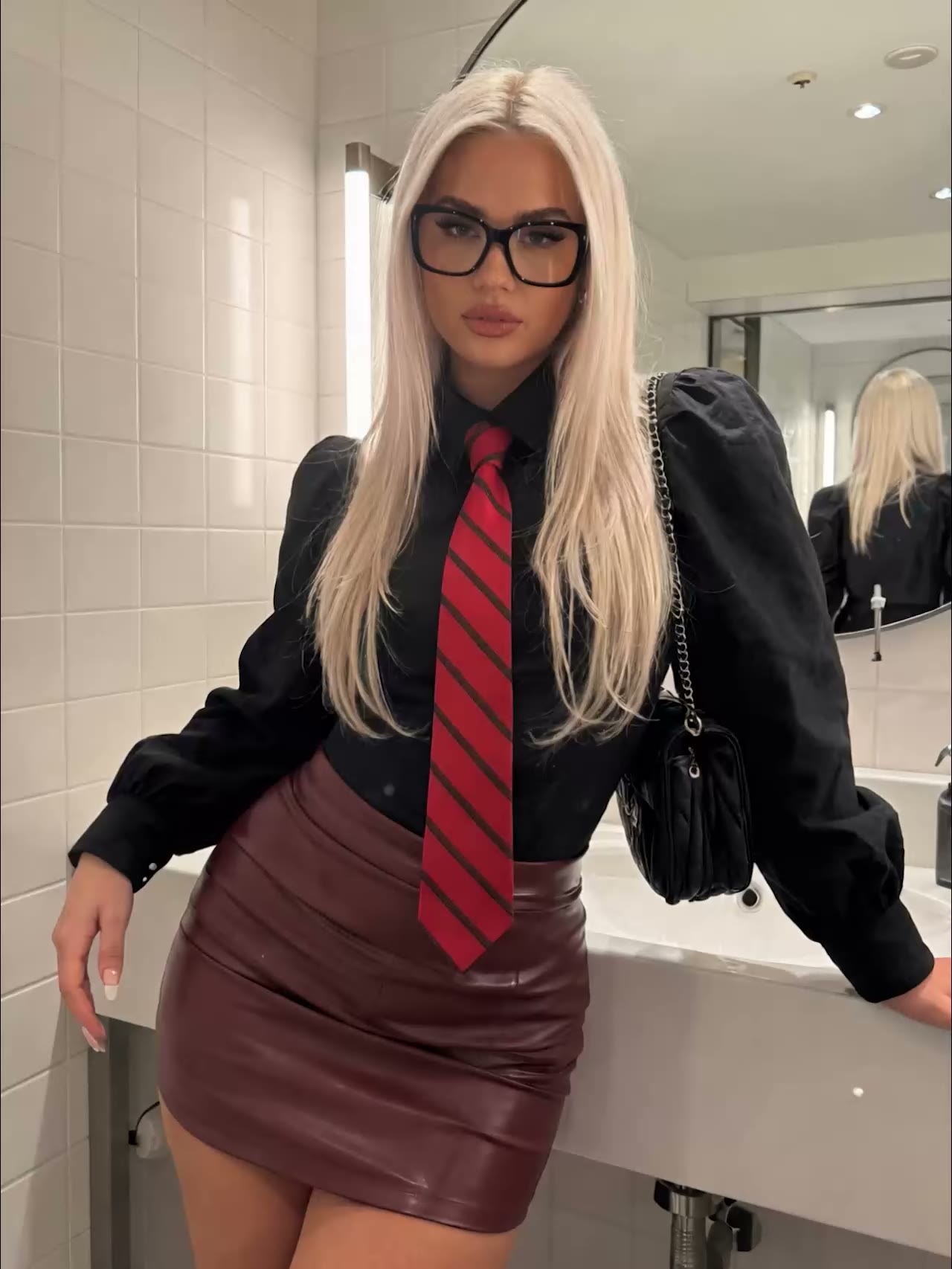
You often already have a good photo. With image-to-video you use that photo as your opening frame and let the AI turn it into a smooth clip. The benefit: you keep control of how the image looks and only direct the motion. Here is how to approach it.
Start with a strong source image
In image-to-video your opening frame decides almost everything. The composition, the lighting, and the look come straight from your photo. A sharp source gives a sharp video, a blurry source gives artifacts.
- Use a high-resolution photo with even lighting
- Leave room in the frame for movement; a tight crop limits what the AI can animate
- Keep the subject clear and free of messy edges
No suitable starting frame yet? Make one first with the AI Photo Generator, so you begin with a clean, sharp source image.
Describe the motion, not the photo
This is the most important rule. Your opening frame already locks in the appearance: face, clothing, lighting, and color are already in the photo. Repeat that in your prompt and you create competing instructions, which makes the image drift. So describe only what moves and how.
Think in subject plus movement:
- What moves (the subject, the hair, the background)
- How it moves (direction, speed, rhythm)
- Where the movement ends
Name an endpoint too. "Hair lifts gently in the wind and then settles back" gives a more natural result than just "hair moves". Break larger actions into beats, for example "takes three steps forward, stops, turns the head".
One camera move per clip
The camera is your second control. Keep it simple and pick one clear move per clip. Trying too much at once makes the image messy.
Common moves:
- Push-in or dolly: slowly toward the subject for emphasis
- Tracking: the camera follows the subject
- Pan or tilt: swivel horizontally or vertically
- Static: a locked frame where only the subject moves
Always add a speed. A "slow push-in" feels very different from a "fast zoom". Tie the move to a purpose: a slow push-in for intimacy, a tracking shot to move along with your subject.
Common mistakes
One pattern often breaks: "a person walking toward the camera". Models tend to freeze the feet and let the head drift. Add direction and detail, such as "slow dolly-in, feet in motion, natural gait", and it works again.
- Too many instructions at once confuse the model; keep your prompt focused
- If your model supports a negative prompt, exclude deformed hands and extra limbs there
- Do not expect one perfect take; change one thing at a time and compare the results
From photo to a full series
The real power is in repetition. With a fixed source image you can make several clips in the same style, ideal for a consistent series or an AI influencer.
- Make or pick your source image with the AI Photo Generator.
- Have a prompt written with the AI Prompt Generator if you would rather not start from scratch.
- Bring the image to life with the AI Video Generator and choose the motion.
Because you pay per render and need no subscription, experimenting costs little. You try a variant, adjust, and pay only for what you actually make.
Ready to see your best photo in motion? Create an account and bring your first image to life.