2026-06-29
Aspect ratios per platform: Reels, TikTok and Shorts
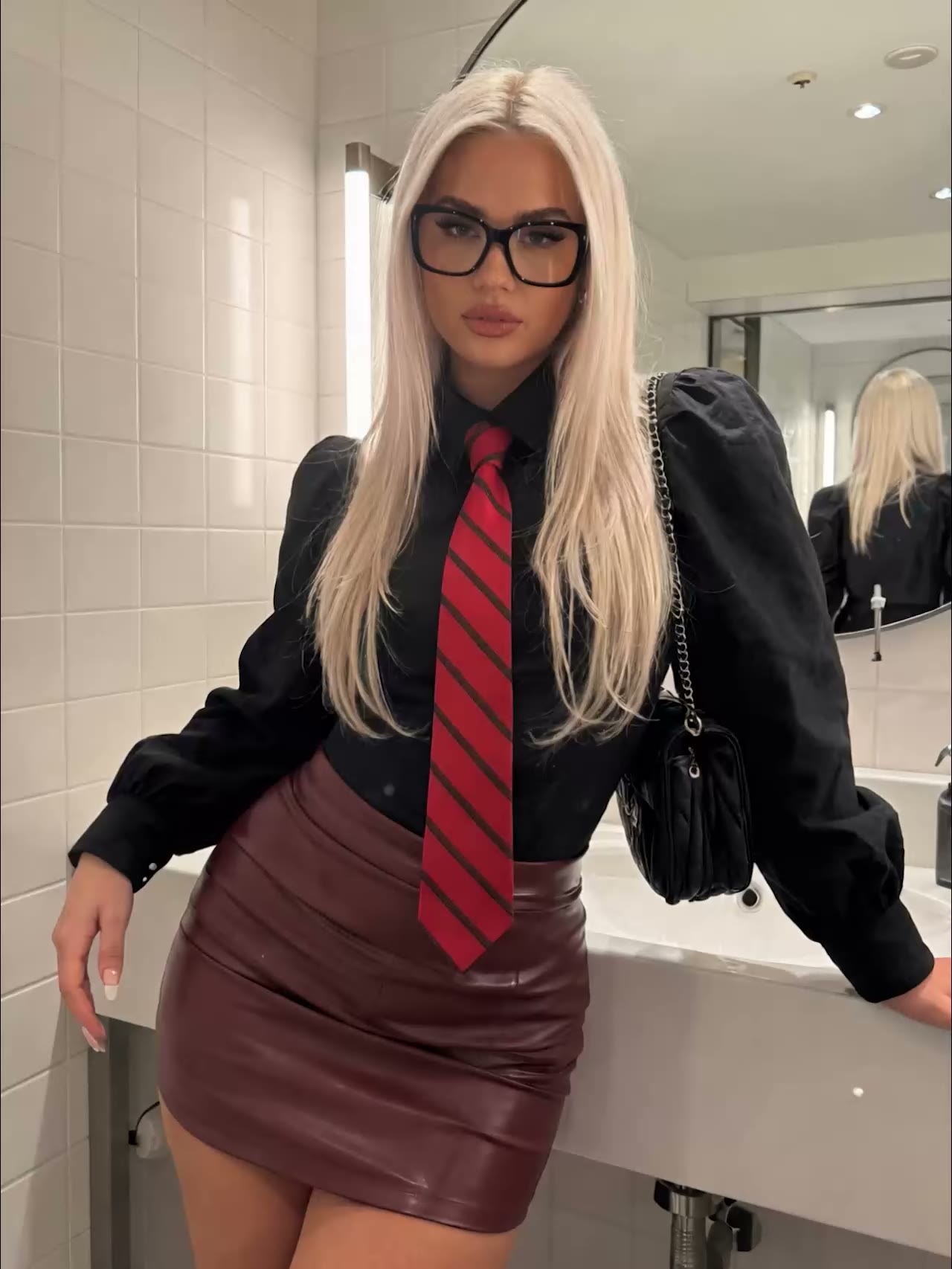
You rendered a great AI photo or video, but on Instagram the top gets cut off and on TikTok it shows up with black bars. The problem is almost never the model, it is the format. Every platform has its own aspect ratio, and if you plan for it up front you render it right the first time instead of paying twice for the same image.
Vertical is the default: 9:16
Most short-form social content is vertical these days. Instagram Reels, Instagram Stories, TikTok and YouTube Shorts all run on a 9:16 ratio of 1080 by 1920 pixels. That is the only format that fills the screen completely without cropping or black bars. Upload something in 1:1 or 16:9 and most feeds will add borders or crop it, which usually costs you reach.
The numbers per platform
Use these as your starting point:
- Instagram Reels: 9:16, 1080×1920, up to 3 minutes.
- Instagram Stories: 9:16, 1080×1920, in segments of up to 60 seconds.
- TikTok: 9:16, 1080×1920. Clips of 15 to 30 seconds often get the most engagement.
- YouTube Shorts: 9:16, 1080×1920, up to 3 minutes. Shorter tends to perform better; many strong Shorts stay under 45 seconds.
- Instagram feed (photo): 4:5 portrait (1080×1350) takes up the most room in the feed. Square (1:1) and landscape (1.91:1) work too.
- Landscape (16:9): for regular YouTube videos and horizontal placements.
Mind the grid and the safe zone
Two things get forgotten often. First, Instagram now crops the grid view of your feed more tightly than the feed itself, roughly to 3:4. So keep faces, text and logos inside that narrower center, or they fall outside the frame in the overview.
Second, the apps lay their interface over your vertical image: your name and the progress bar at the top, the reply bar and buttons at the bottom. Count on roughly 250 pixels top and bottom that you want to keep clear. So do not place your subject and text right against the edges.
Render in the right format from the start
Because you pay per render, choosing the right ratio up front really pays off compared to cropping afterwards. Cropping from 16:9 to 9:16 means losing your subject or half your image, and then you have to redo it anyway.
In the AI Photo Generator you choose the format before you generate; there are seven ratios, from 9:16 and 4:5 to 1:1 and 16:9. The AI Video Generator delivers your clip in the vertical format social asks for. That way your render comes out of the tool right the first time.
A workflow that saves renders
- Decide first where the content is going: Reels and TikTok want 9:16, a feed post 4:5.
- Set that ratio in the generator before you render.
- Keep subject, text and logos away from the edges so the safe zone works.
- Want the same scene in several places? Generate per channel in the right format, or use a successful image as a reference for a new variant.
Getting the format right up front gets more out of every render. Create an account and pick your ratio before you hit generate.