2026-07-31
Close-Up or Wide Shot: Why Faces Win in the Feed
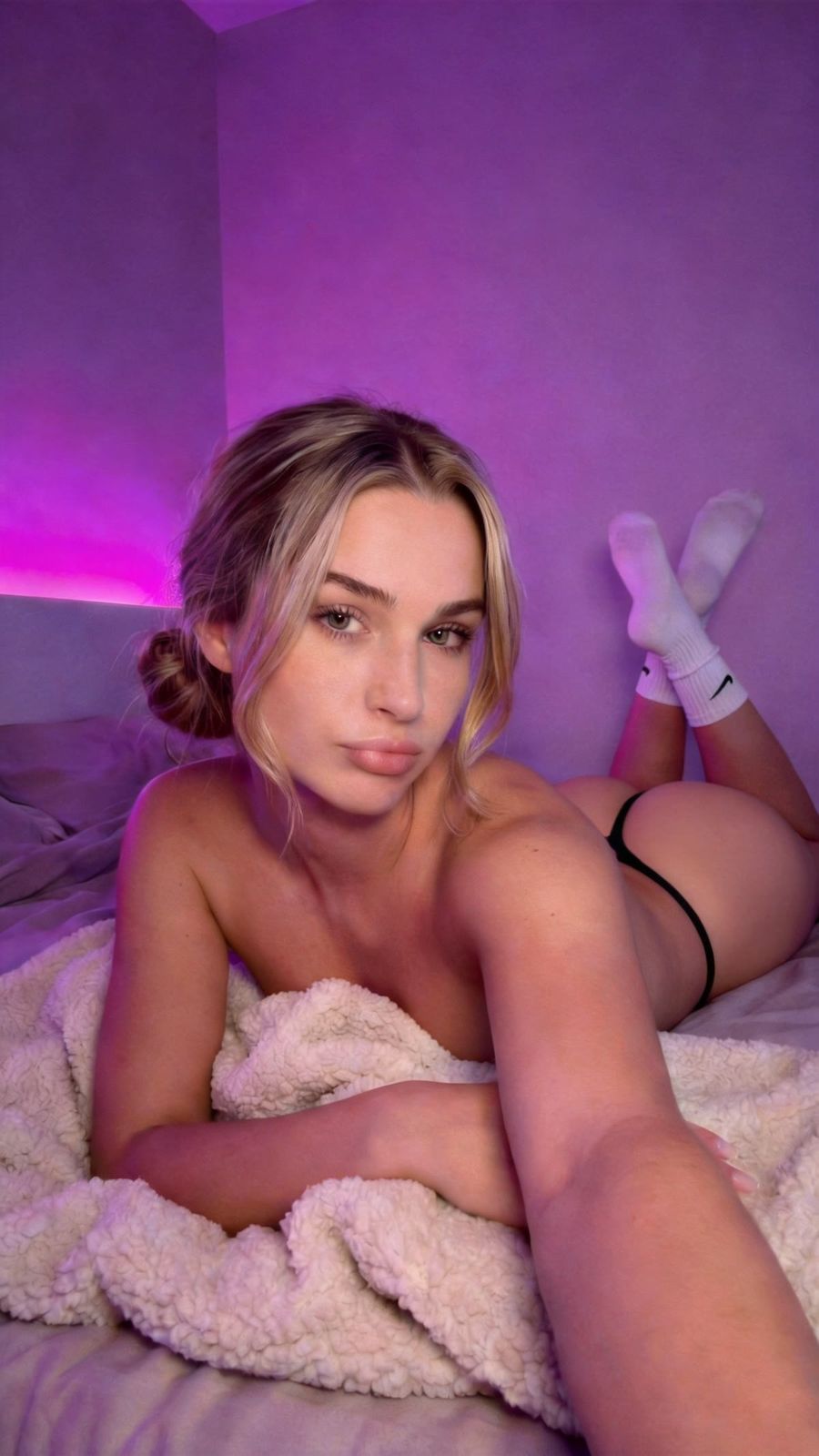
A close-up, where the face fills the frame, usually grabs more attention in a social feed than a wide shot, because a human face holds the eye instantly and conveys emotion at a glance. Yet many creators default to a wide frame that shows the whole scene, which shrinks the person and drains the feeling out of the shot.
Why a face works harder in the feed
A face is the first thing the eye lands on, especially on a small phone screen in a fast-scrolling feed. Researchers at Georgia Tech and Yahoo Labs analysed 1.1 million Instagram photos and found that images with a face are 38% more likely to get likes and 32% more likely to get comments than photos without one (Georgia Tech). Notably, the number of faces, their age and gender made no difference. One clear face does as much work as a whole group. That is exactly why a close-up pays off: you put the strongest element of your image large in the frame.
What shot scale actually is
Shot scale is how much of your subject fills the frame. It runs from very close to very far:
- Extreme close-up: just the eyes or the lips.
- Close-up: the face, head and shoulders.
- Medium shot: roughly to the waist.
- Wide shot: the full figure within its surroundings.
- Establishing shot: the subject small inside a large setting.
Every step outward pushes your subject further away and adds more context, but trades away emotion and detail. Decide deliberately where on that scale you want to sit.
When a wide shot is the better choice
A close-up is not always the answer. Choose a wider frame when the environment, the outfit or the sense of scale is the story: a fashion shot where the whole look counts, a travel photo where the location is the star, a product used in context. The rule of thumb: if it's about who, go close-up; if it's about where or what, open up the frame. In a feed full of portraits, a well-timed wide shot can stand out through contrast alone.
How to steer shot scale in your prompt
Name the framing explicitly, because otherwise a model often defaults to a safe medium shot. Useful building blocks:
- Close-up: "close-up portrait, head and shoulders, face filling the frame".
- Extreme close-up: "extreme close-up on the eyes".
- Medium: "medium shot from the waist up".
- Wide: "full-body shot" or "wide establishing shot, subject small within a vast landscape".
Note that shot scale is not the same as focal length. Shot scale decides how much you see, the lens decides how the perspective looks. For a flattering close-up, pair a tight frame with a longer lens ("85mm portrait lens") so facial proportions stay natural. Generate both versions in the photo generator, and let the prompt generator write a full description if you get stuck.
Common mistakes (and how to avoid them)
- Cropped at an awkward point. Don't cut through the top of the head, the chin or a joint. Leave a little room above the head, or crop deliberately just below the shoulders.
- A face too small for the feed. A gorgeous wide shot looks great on a large screen but disappears on a phone. If the image is about the person, move in closer.
- Zooming in afterwards. Cropping a wide shot into a close-up throws away pixels and softens the image. Generate at the right shot scale from the start, or enlarge the crop with the upscaler.
Close-ups in AI video
In video, the close-up is your strongest hook. A talking head large in frame in the first seconds keeps viewers watching; a wide shot works better as an establishing shot or a transition. Alternate on purpose: open close for connection, pull back for context. Describe the framing per shot in your prompt, just as you do for photos. In the video generator you can build that shift from close-up to wide into a single sequence.
Frequently asked questions
What is shot scale?
Shot scale is how much of your subject fills the frame, from an extreme close-up (just the eyes) to a wide shot (the full figure in its surroundings). It sets the balance between emotion and context.
Is a close-up always better than a wide shot?
No. A close-up wins when the image is about the person and the emotion, which is often the case in a social feed. When the image is about the environment, the outfit or the scale, a wider frame tells the story better.
How do I stop a face from looking too small on a phone?
Choose a tighter shot scale and place the face in the top two-thirds of the frame. Judge your image at its real screen size, not just on your desktop.
Do I lose quality if I crop a close-up out of a wide shot?
Yes. Cropping throws away pixels, which softens the image. It's better to generate at the right shot scale from the start, or upscale the crop to recover detail.
Which shot scale works for your subject only becomes clear when you see them side by side. Create an account and generate the same scene as a close-up and as a wide shot, then pick the image that stays in the feed.