2026-08-05
Freeze motion in AI photos: a razor-sharp action still
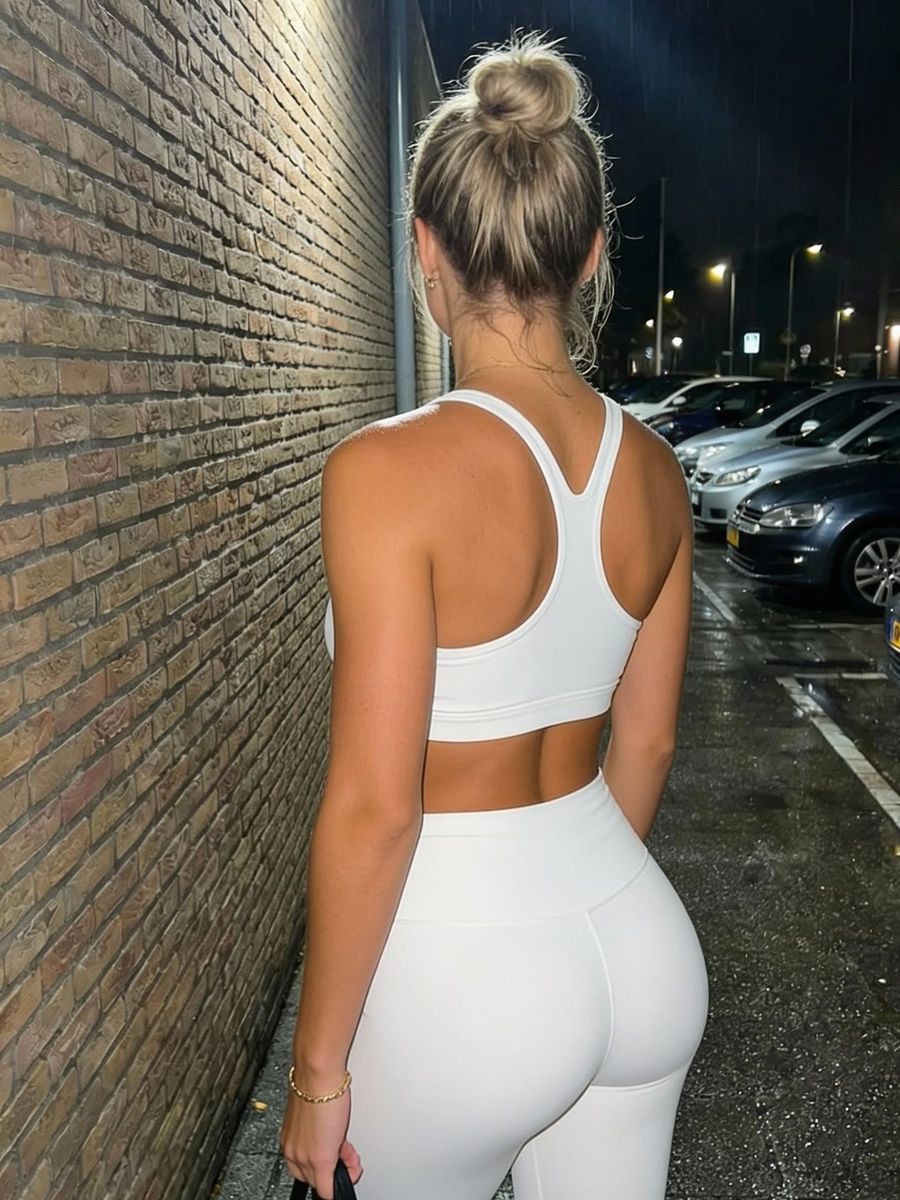
You freeze motion in an AI photo by combining a fast shutter speed with words like "frozen motion" and "no motion blur" in your prompt, so the model renders a crisp, stopped action moment instead of a smeared subject. A jumping model, splashing water or a coat caught mid-flap can all be frozen at the peak of the action. Below you'll read which words and numbers trigger that effect, and what to do when your image still comes out blurry.
What 'freezing motion' means
Freezing motion is capturing a fast-moving subject razor-sharp, as if time stopped at that one instant: no streak, no double image, every water droplet visible on its own. With a real camera you do this with a short (fast) shutter speed. An AI image model has no shutter, but it was trained on countless photos with their camera data, so the same terms steer the look in the right direction.
Which shutter speed do you ask for in your prompt?
Name a shutter speed that matches your subject's speed: the faster the movement, the shorter the time. As a general photography guideline you freeze a walking person around 1/250s, fast action like running around 1/1000s, and very fast movement only around 1/2000s to 1/4000s (source: common shutter-speed guides for action photography).
- 1/250s — walking, calm poses with some movement
- 1/1000s — running, jumping, dancing
- 1/2000s to 1/4000s — splashing water, sports, animals in motion
The number itself is mostly a signal. The real gain comes from combining it with descriptive words.
Prompt words that stop the action
The strongest steering comes from words that mean "sharp and stopped," not from the number alone. Put them explicitly in your prompt:
- fast shutter speed / high shutter speed, 1/1000s
- frozen motion, motion frozen mid-air
- crisp, sharp focus, tack sharp, no motion blur
- frozen splash, suspended water droplets (for water)
Does your model support negative prompts? Then add "motion blur, smearing, ghosting, double exposure" to the negative field. If not, "sharp" and "no motion blur" in the regular prompt do the work.
Describe the peak moment of the action
A sharp freeze needs the exact moment, not "someone jumping" in general. Describe the peak: the highest point of the jump, the instant the foot hits the water, the ball right on the boot.
Also name what "hangs" in the air: hair frozen mid-flip, a coat blown up and held still, droplets suspended loose in the frame. Those separate, floating details are what make the eye read the image as a frozen moment.
Why your image still looks blurry (and what to do)
If your subject stays vague or smeared, the model often defaulted to cinematic motion blur, because "action" is often paired with it in the training data. In that case, strengthen the sharpness signals: put "sharp focus, no motion blur, high shutter speed" up front and describe a pose that is dynamic but frozen.
A sharper or higher-end model holds fine detail better; switch models if needed in the AI photo generator. And expect a few renders: the first is rarely spot on right away.
Frequently asked questions
Does a shutter speed in the prompt actually work?
Not as a physical setting, but yes as a hint. The model has no shutter, but terms like "1/1000s" and "frozen motion" come from photo captions in the training data and push the look toward sharp and stopped.
How do I freeze motion in an AI video?
In video it's harder, because there movement is supposed to move. Ask for a fast shutter speed and "crisp, no motion blur" per frame, and keep the movement small. For stopped action a photo is usually the better choice; see the video generator for moving clips.
Why does splashing water smear?
Water moves faster than almost any other subject, so it needs the shortest time. Ask explicitly for "frozen splash, suspended water droplets, 1/2000s" and describe separate droplets in the air.
Freezing motion is mostly a matter of naming the right moment and telling the model you want sharpness, not a streak. Want to try it? Create an account and test a few action prompts in the photo generator.