2026-08-20
Make a Cinemagraph with AI: One Moving Detail
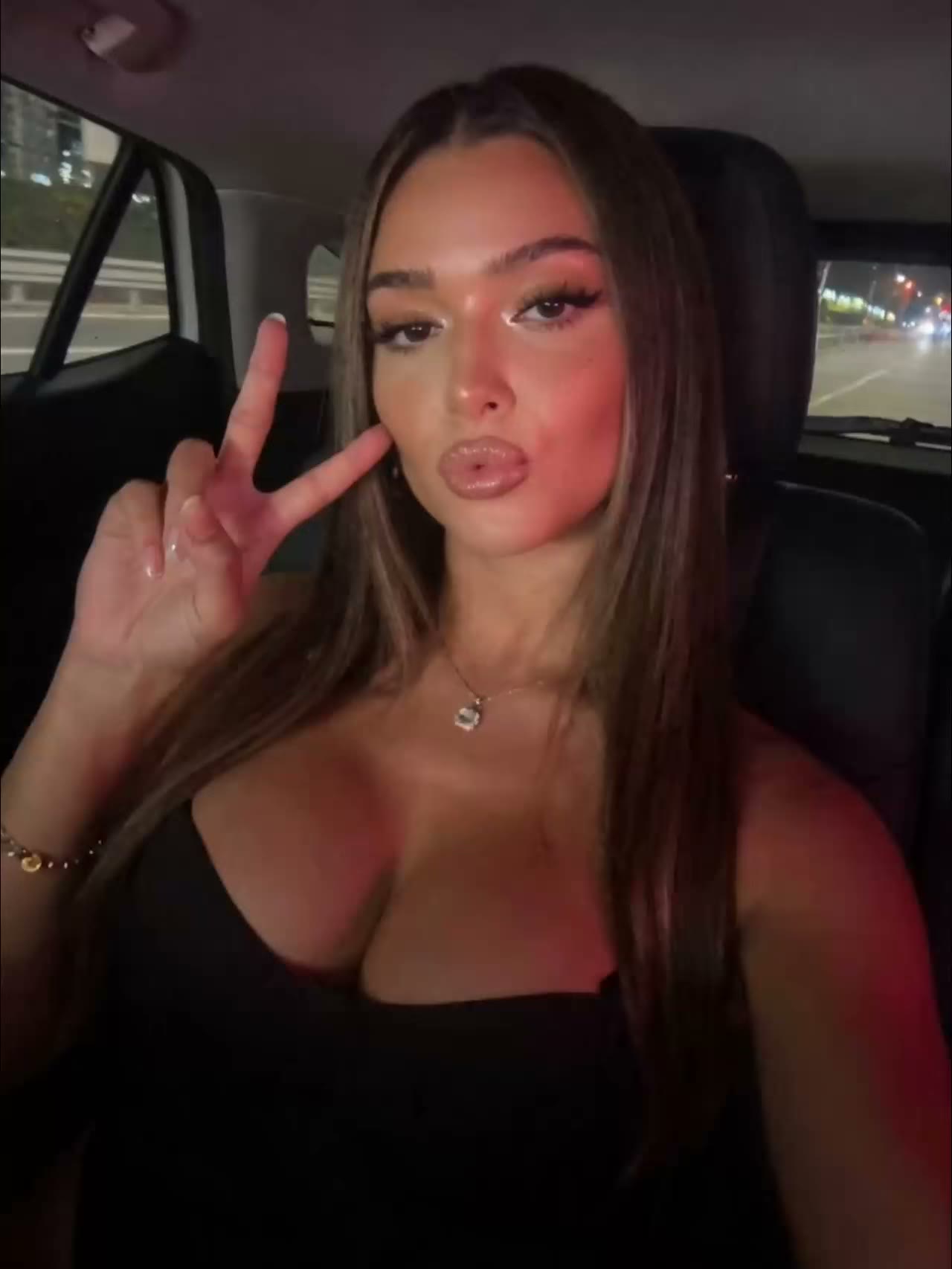
A cinemagraph is a photo that stays completely still except for one small, continuously moving detail: steam rising from a cup of coffee, hair moving in the wind, waves rolling while the person stays perfectly still. That single moving element pulls the eye, while the rest of the frame keeps the calm and sharpness of a photo. With image-to-video you can make one yourself, even without a camera or editing software.
The cinemagraph was created and named in 2011 by American photographers Kevin Burg and Jamie Beck, who used the technique to animate their fashion and news photographs (according to Wikipedia and Time). The idea has stayed the same ever since: isolate one motion against an otherwise static image.
Which photo works for a cinemagraph?
The best cinemagraph starts from a still where one element naturally wants to move and the rest logically stays put. Think of a subject holding a pose while something in the surroundings flows or flickers.
Candidates that almost always work:
- Steam, smoke or vapor (coffee, tea, a cigarette, an exhaust)
- Water: waves, a waterfall, rain, a reflection on wet asphalt
- Hair, a scarf or a flag moving in the wind
- Fire: a candle, a fireplace, a torch
- Light: flickering neon, a screen, passing headlights
Avoid images where the main subject itself would have to be the motion. A walking person is a regular video, not a cinemagraph. The effect comes precisely from the contrast between still and moving.
How to make a cinemagraph with AI
Start from a strong still and let the AI move exactly one thing in it.
- Choose or generate your base image in the photo generator. Make sure the composition is already right, because everything except the motion stays exactly as it is.
- Load the image into the video generator with image-to-video and describe only the motion you want.
- Keep the clip short (2 to 5 seconds) and the camera still. A cinemagraph loops in place, with no zoom in or out.
- Match the first and last frame so the repeat loops seamlessly and no one spots the starting point.
Pick motions that repeat naturally. Flowing water, steam and flickering light loop easily; a one-off gesture like a wink is harder to make seamless.
Prompt: move only one thing
The secret is in what you explicitly keep still. Models like to animate the whole scene, so spell out what must not move.
Work in three layers:
- The motion: "only the steam curls slowly upward" or "the waves roll gently onto the beach".
- What stays still: "the person stands completely still, no motion in face or body, background frozen".
- The camera: "static camera, locked tripod, no zoom or pan".
The more precisely you draw the line between still and moving, the cleaner the result. Is your subject still drifting? Lower the motion strength and make the prompt stricter about what is frozen.
Common mistakes
- The whole scene moves along. The face warps, the background ripples. Fix: explicitly state that subject and background stay still, and lock the camera.
- Too much or too fast motion. Subtlety is the point. A slow, small movement reads more believable than a busy, moving frame.
- A visible jump on the repeat. Without a matching first and last frame you see the seam. Choose a cyclical motion and cut the loop cleanly.
- Motion in the wrong place. If the moving element isn't the natural focal point, it reads as a glitch instead of an effect.
Frequently asked questions
What's the difference between a cinemagraph and a regular video?
In a cinemagraph almost the entire frame stays still and only one element moves in a repeating loop. A regular video moves everywhere and has a beginning and end; a cinemagraph feels like a living photo.
Do I need video footage to make a cinemagraph?
No. With image-to-video you start from a single still image and describe the motion the AI adds to it. You need no camera, tripod or editing software.
How long should a cinemagraph be?
Short, usually 2 to 5 seconds, looping seamlessly. It's about a subtle, endlessly repeating detail, not a story with a beginning and an end.
Which format do I pick for social media?
Generate vertical (9:16) for Reels, TikTok and Stories, and square or landscape for the feed. Set the aspect ratio up front so your subject doesn't get cropped.
A cinemagraph stands out in a busy feed because the eye is drawn to the only motion on screen. Want to try it? Create an account and bring your first still to life with one calm movement.