2026-08-05
Rim light in AI photos: lift your subject off the background
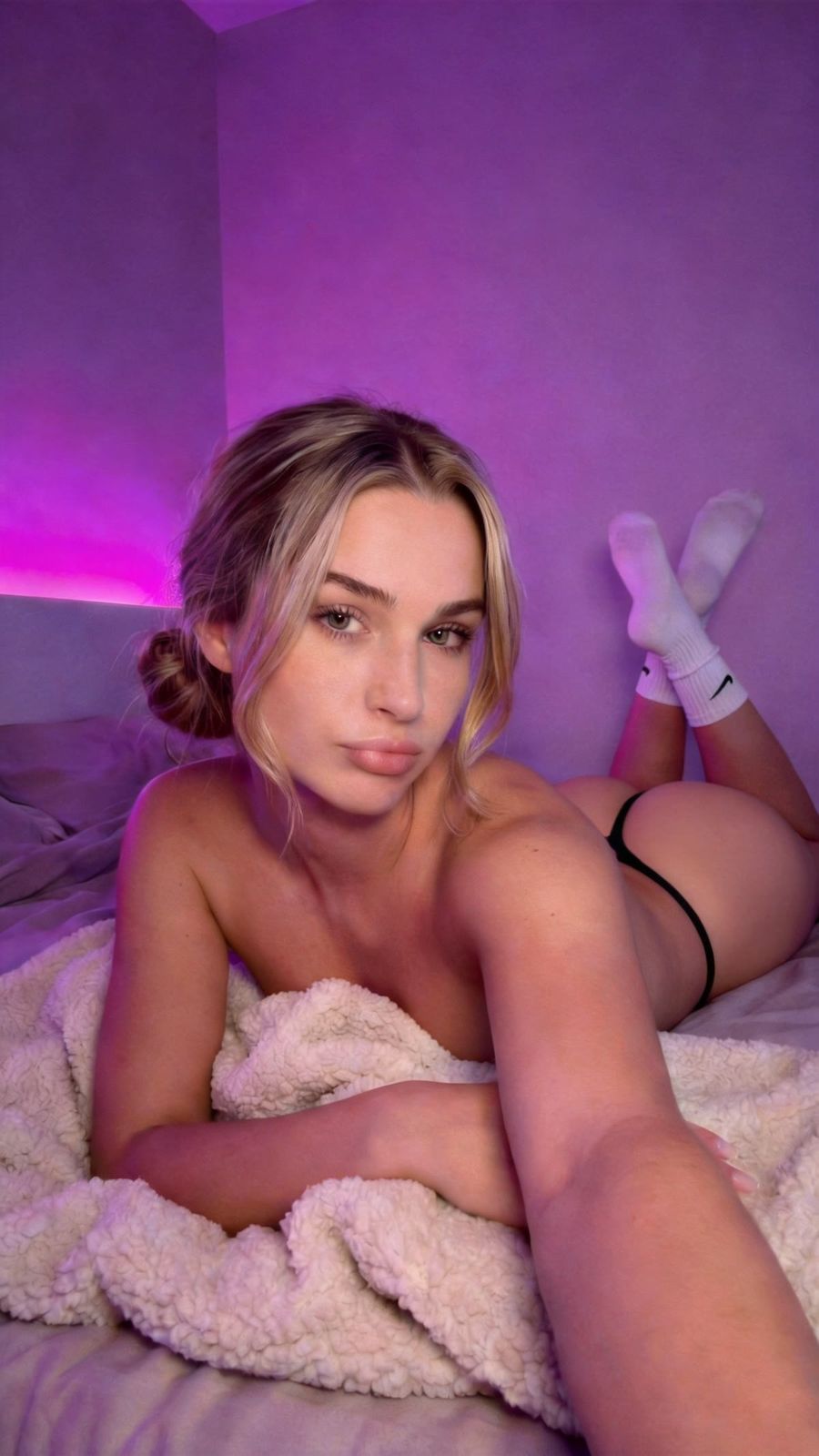
Rim light is a thin band of light along your subject's edges that lifts it off the background, and in an AI prompt you call for it with words like "rim light", "backlit" or "a rim of light along the hair and shoulders". Without it, your subject tends to melt into a dark or busy background. With it, your AI photo gains depth and a cinematic look right away.
What exactly is rim light?
Rim light is light that comes from behind or slightly behind your subject and catches only the edges, drawing a bright line around the silhouette. In classic three-point lighting, the standard setup in photography and film, you work with three light sources: the key light (main light), the fill light (which softens the shadows), and the back or rim light. According to StudioBinder, the main job of that third light is exactly this: to separate your subject from the background.
The key light usually sits around 45 degrees from your subject. The rim light goes behind it, up high and angled slightly down, so the edge lights up along the hair, shoulders and jawline.
Why rim light makes your AI photo better
Rim light does in one move what a flat AI photo often lacks: it gives shape and separation. The edge traces your subject's contour and lifts it off whatever sits behind it.
- Separation: a bright edge lifts your subject off a dark or similarly toned background where it would otherwise disappear.
- Depth: the image reads as three-dimensional instead of a cut-out sticker.
- Cinematic look: an edge of light around the silhouette is exactly what films and music videos use to make a shot feel alive.
- Shape: the rim traces hair, shoulders and jawline, giving the face more relief.
How to prompt for rim light
Image models know the photography term, so you don't need to draw a lighting diagram. Name the technique, the side, and the color.
- Name the technique: "rim light", "backlight", "edge light", "backlit" or "halo of light around the hair".
- Describe the source: "light source behind the subject", "a bright rim of light along the hair and shoulders".
- Tie it to the background: "dark background so the rim light stands out".
- Pick a color: warm orange rim light at sunset, cool rim light in moonlight, or a neon-colored rim in a city scene.
Example line in your prompt: "portrait, backlit with a warm rim light along the hair and shoulders, dark background, cinematic, shallow depth of field."
Matching rim light to your scene
Rim light works best when the side, color and strength agree with the rest of the image. Otherwise the edge looks pasted on rather than photographed.
- Dark background: this is where a clear, bright edge shines. It's the classic, most recognizable rim-light situation.
- Bright background: keep it subtle, because a hard edge barely registers against light. Go for soft rim light, or a colored edge that contrasts instead.
- Match the color: let the color of the edge agree with the light source in frame. A streetlamp gives warm light, a neon sign magenta or cyan. An edge in a color that comes from nowhere gives the image away.
- Don't overdo it: too strong a rim light burns out into a white line and makes hair glow like a lamp. Ask for "subtle" or "soft rim light" and tie it to one side.
Rim light in AI video
In video the same principle holds, with one extra concern: consistency between frames. As your subject moves, the edge moves with it, and that shouldn't flicker.
So describe the light as something fixed in the scene, for example "backlit by a streetlamp behind her" instead of a loose "rim light". That gives the model a reason for the edge and keeps it stable while your subject moves. If you want to bring an image to life, that works best in the video generator.
Frequently asked questions
What's the difference between rim light and backlight?
Backlight is the broader term for any light coming from behind. Rim light is the effect you see: a thin band of light along the edges. In a three-point setup, the back light is the source and the rim light is the visible result.
Does rim light work on a bright background?
Yes, but more subtly. Against a bright background a hard edge stands out less, so go for soft rim light there, or a colored edge that contrasts with the surroundings.
How do I keep the rim light from getting too strong?
Ask for "subtle" or "soft rim light" and tie it to one side of your subject. Too strong an edge burns out into a white line and makes hair glow like neon, which starts to look fake.
Rim light is one of the fastest ways to give a flat AI portrait depth. Describe the source, the side and the color, and test it against a dark background where the effect reads most clearly. Create an account and try it in the photo generator.