2026-07-18
Hands in AI images: avoiding extra fingers and errors
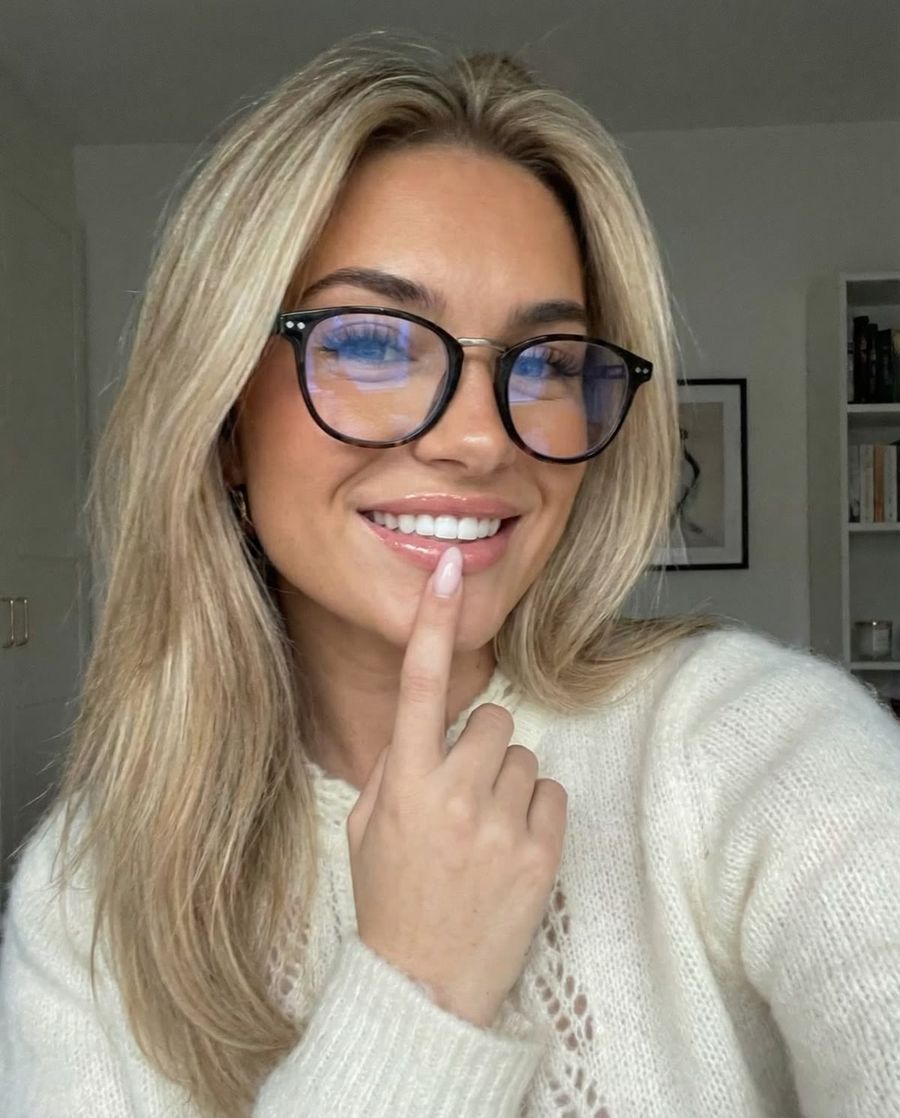
Hands go wrong in AI images more often than faces because a hand is anatomically complex and rarely appears large, sharp, and fully in frame in training photos. You avoid most errors by asking for simple poses, keeping hands out of the immediate foreground, and repairing a failed hand afterward with inpainting. Below is why it happens and which choices make your results more reliable right away.
Why hands go wrong so often
Hands are the hardest shape an image model has to reconstruct, for two reasons: they are anatomically complex, and they are underrepresented in training data.
Anatomically, a hand is one of the most detailed parts of the body. Each hand has 27 bones (8 wrist bones, 5 palm bones, and 14 finger bones) and can therefore take countless positions, according to Johns Hopkins Medicine. Two hands touching each other or an object add many more possible combinations on top of that.
On top of that, hands rarely play the lead role in ordinary photos. They are small, often partly hidden or half out of frame, and appear in endless poses. So a model sees relatively few sharp, complete hands to learn from and sometimes generates combinations that are statistically plausible but anatomically impossible, such as a sixth finger (Britannica). And the tolerance for error is low: a slightly oversized nose goes unnoticed, an extra finger does not.
Pick poses the model can handle
The most reliable hand is one you make easy for the model. So choose your pose deliberately.
- Keep it calm. Hands relaxed at the side or resting on a surface rarely go wrong.
- Avoid the traps. Interlaced fingers, two hands close together, and a hand gripping an object at an odd angle are exactly the cases that still fail.
- Don't put hands large in the foreground. A hand that is small or half out of frame is more forgiving than a sharp close-up of fingers.
- Hide them if you want certainty. A hand in a pocket, behind a bag, or just outside the frame cannot be drawn wrong.
What to mention (and not) in your prompt
Describe hands briefly and positively, and don't overdo it. Too much emphasis draws attention to the hardest area and actually raises the chance of errors.
- Name the pose, not the detail. "Relaxed hands, natural fingers" works better than "perfect detailed hands, close-up of fingers".
- Use a negative field if your model has one. Terms like "extra fingers, deformed hands, fused fingers" sometimes help, but they are no guarantee.
- Let it be written out. Unsure how to phrase it? A prompt generator turns your idea into a clean description with pose and composition included.
Repair a wrong hand afterward
You don't have to throw a failed hand away. Usually the rest of the image is fine and you only fix that one spot. That is also cheaper, since you pay per render, not for a whole new photo.
- Reroll. Generate the same prompt a few times; hands vary a lot between renders, so there is often a good one in the batch.
- Inpainting. Select only the hand in the AI Photo Editor and regenerate that area. The rest of the photo stays untouched.
- Image-to-image. Use a successful render as a reference in the photo generator and ask for a small correction.
Have modern models gotten better at this?
Yes, clearly. Newer models produce correct hands in most standard cases, and a stray sixth finger is far rarer than in 2023. Still, it goes wrong with unusual poses, several hands in one image, and a hand firmly gripping something. So the choices above keep paying off, even on a premium model: pick an easy pose, keep your prompt sober, and fix the exception with inpainting.
Frequently asked questions
Why do faces work but hands don't?
Faces appear large and front-facing in training photos very often, hands much less so. On top of that, the tolerance for error in a hand is small: an extra finger stands out immediately, while small deviations in a face barely register.
Do negative prompts help against extra fingers?
Sometimes. On models with a negative field, "extra fingers, deformed hands" can slightly reduce the chance of errors, but it is no guarantee. Choosing a simple pose and rerolling a few times does more in practice.
Can I fix a wrong hand without redoing the whole photo?
Yes. With inpainting you select only the hand and regenerate that part. You then pay for that single edit, not for a completely new render.
Hands remain the part you keep an eye on, but with a simple pose, a sober prompt, and targeted inpainting you get them right almost every time. Create an account and test the same scene a few times: pick the render with the best hands and fix the rest.