2026-07-16
Fog, rain and backlight in your AI photos
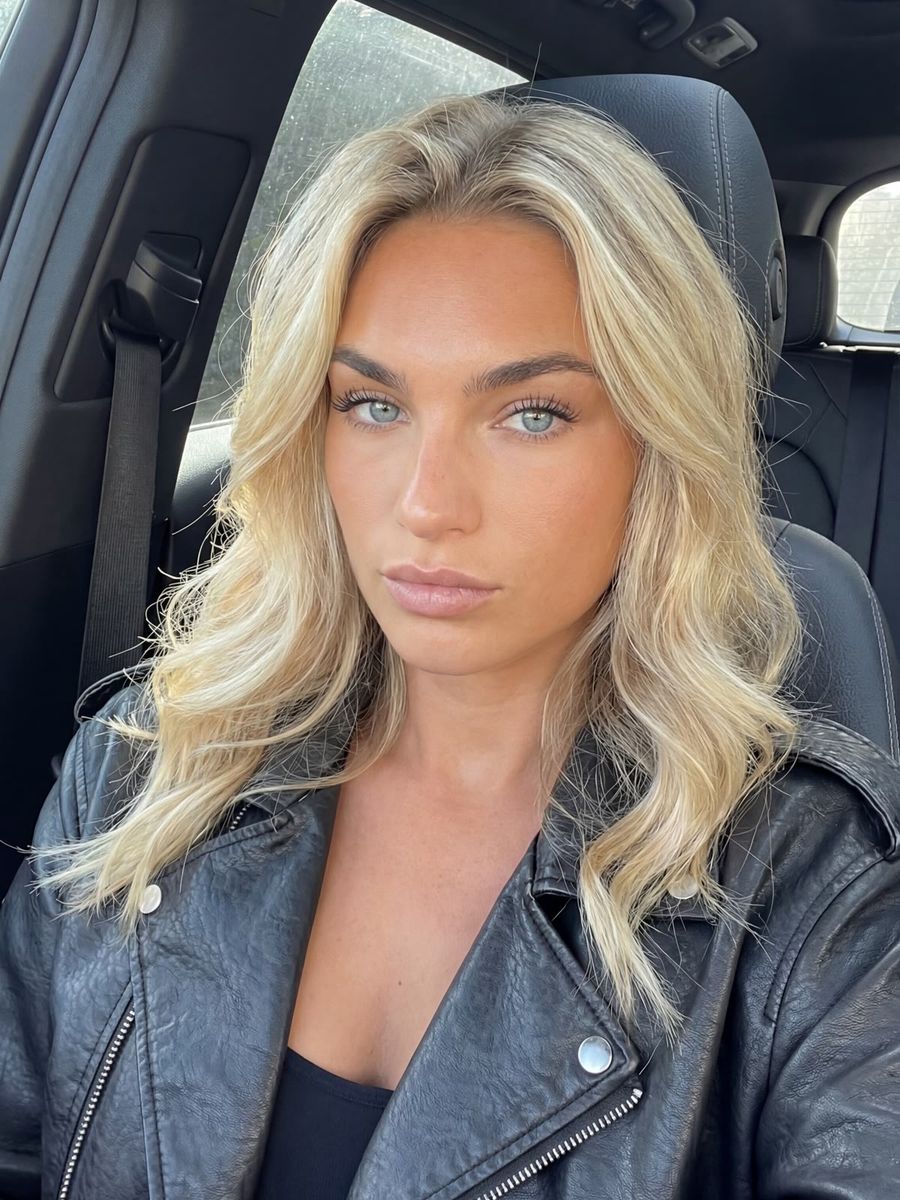
You direct weather in an AI photo not with the word "rain" or "fog", but by describing what that weather does to your light: how much contrast survives at a distance, where the light comes from, and which surfaces glisten. Models are trained on photographs, and in a photograph weather is mostly a lighting effect. Name only the weather type and you'll usually get a grey sky on an otherwise ordinary picture.
Fog, mist and haze are three different things
These words are not interchangeable, and the WMO draws the line at horizontal visibility. It's fog "when microscopic droplets reduce horizontal visibility at the Earth's surface to less than 1 km", and mist when the droplets do not push visibility below that kilometre (WMO, International Cloud Atlas).
Haze is something else entirely: per the same source, a suspension of "extremely small, dry particles", so dust, smoke or heat rather than water droplets.
For your prompt, it comes down to this:
- fog: dense, veils everything, short visibility.
- mist: a thin veil, the background stays readable.
- haze: a dry shimmer. Adds depth and warmth, without the wet look.
So "mist" asks for something far subtler than most people mean when they type it.
Why a veil gives your image depth
Mist is the cheapest depth cue you have. Aerial perspective is the term for what the atmosphere does to an object further away, and it does three things at once: contrast against the background drops, colours desaturate, and the hue shifts towards the background colour, which in daylight is usually bluish. Leonardo da Vinci was already using the effect deliberately, in the Mona Lisa among others.
It only works if there is something to veil. So build layers into your scene: something in the foreground, your subject at middle distance, and something recognisable far off. Without those layers the fog has nothing to register against and you just get a flat grey wash.
Phrasings that work: distant treeline fading into mist, layered depth, foreground branches sharp, low fog drifting between the buildings.
Why fog is grey and haze is blue
The difference comes down to particle size, and it tells you straight away which word to pick.
Rayleigh scattering is scattering by particles much smaller than the wavelength of light, in practice under a tenth of it. Its strength scales with 1/λ⁴: halve the wavelength and sixteen times as much light scatters. Blue beats red by a wide margin, which is why the sky and distant hills read blue.
Fog droplets don't play that game. They are several micrometres across, a multiple of the 0.4 to 0.7 micrometres of visible light, which puts them in the Mie regime. That scattering is barely colour-selective, so fog reads grey to white rather than blue. On haze, the WMO adds a nice detail: distant bright objects look yellowish to reddish, while dark objects look bluish.
In practice: ask for grey-white fog when you want a dense, colourless veil, and for blue-tinted haze or warm hazy distance when you're after depth with colour in it.
Rain: why you almost never see the drops
In a photo, rain doesn't read from the droplets but from wet surfaces. Front-lit rain is close to transparent, and against a light grey rain sky the drops disappear completely. Photographers have solved this the same way for decades: put the light behind the rain and make sure the background is dark.
So don't ask for "rain", ask for its consequences:
- Backlight. A streetlamp, headlights or sun through the clouds, positioned behind the falling rain.
- A dark background. Drops are light in tone and need something dark to stand out against.
- Wet surfaces. Mirror-like asphalt, puddles with reflections, wet strands of hair, droplets on a jacket or a car window.
- Spray and motion. Water kicking up off feet or tyres often sells the rain better than the rain itself.
A prompt that does work: rain backlit by a streetlamp, dark alley behind her, wet asphalt reflecting the light, droplets on her leather jacket. Build a scene like that in the photo generator.
Already have a shot you like and only want weather in it? You don't have to start over. In the AI editor you can add a wet pavement or a veil in a targeted way without losing your face and composition. Since you pay per render and top up your own credit, putting a dry and a wet version side by side costs very little.
Frequently asked questions
Why does "rainy day" only give me a grey sky?
Because you named the weather type instead of the lighting effect. The model hands you an overcast sky, but without backlight, reflections or wet surfaces the rest of the photo still looks dry.
Should I use "fog" or "mist" in my prompt?
Use "fog" for dense, short visibility, which the WMO puts at under a kilometre. "Mist" asks for a thin veil with the background still readable through it.
Can I add weather to a photo I already have?
Yes. Use your existing image as a reference and describe the new light, or make a targeted edit in the AI editor. That's usually cheaper than regenerating the whole scene.
Weather isn't set dressing you request on the side, it's light you direct. Pick the right word, think in layers, and for rain describe the reflections instead of the drops. Create an account and try it on your own scene.