2026-07-14
Recreate golden hour and blue hour in AI photos
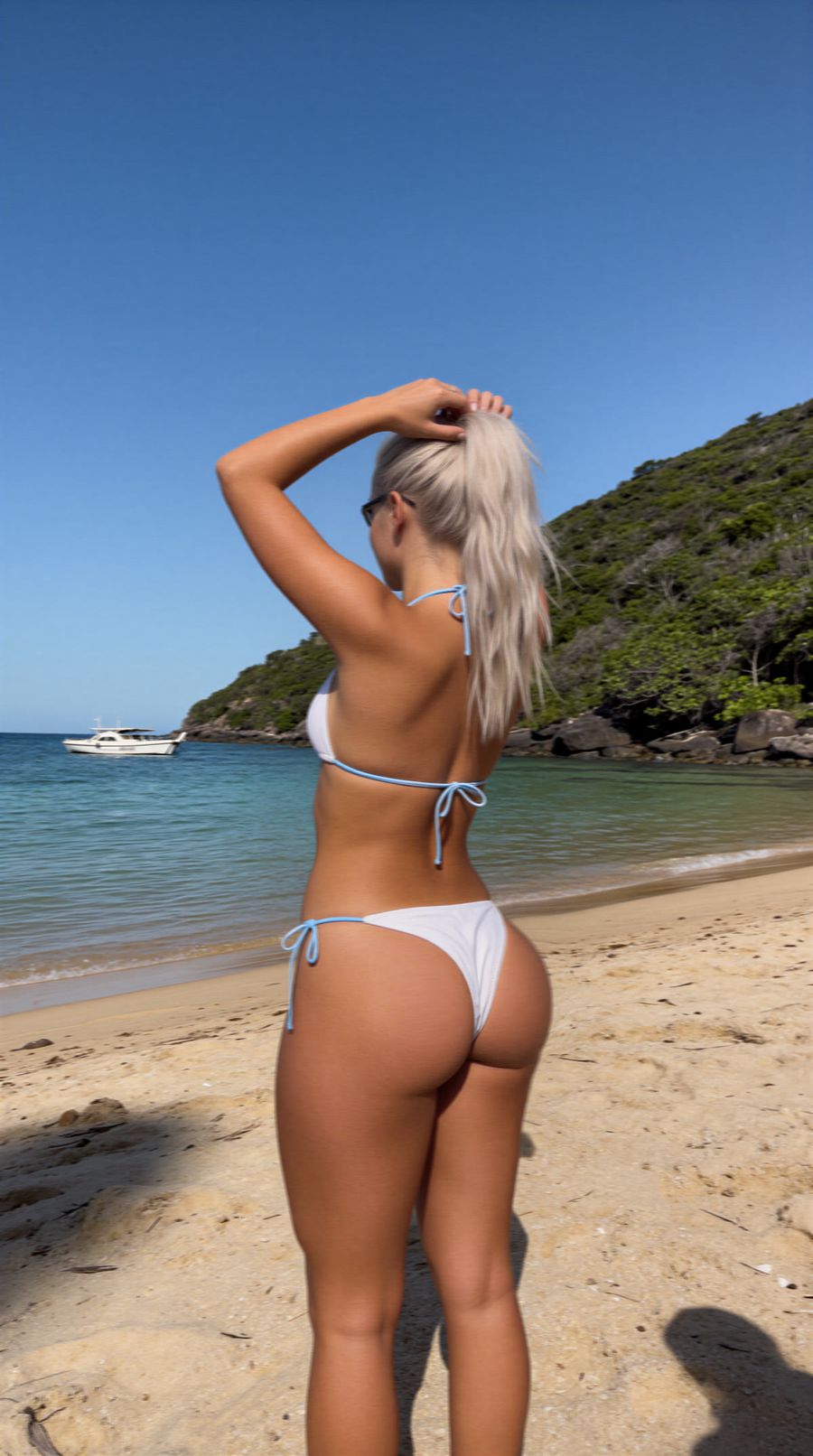
You recreate golden hour and blue hour in AI by putting the time of day into your prompt in concrete terms: warm, low-angle sunlight for golden hour, cool blue twilight for blue hour, and the matching color temperature each time. Prompt only for "nice light" and the model usually falls back on flat midday light. Below is what both moments actually are and which words steer your result.
What golden hour and blue hour actually are
Golden hour is the hour around sunrise and sunset when the sun sits low and the light is warm and soft. Its color temperature runs around 3,000 to 4,000 K, versus roughly 5,500 to 6,500 K at midday (Adobe). Because the sun is low, its light travels through a much thicker layer of air, which scatters away the blue wavelengths and leaves the warm reds and oranges.
Blue hour is the twilight period just before sunrise and after sunset, when the sun sits between 4° and 8° below the horizon (Wikipedia). The sky turns a deep, even blue and the light is cool and soft, with no harsh shadows.
In short: golden hour is warm and low, blue hour is cool and dim. The difference lives in the color temperature and the position of the sun, and those are exactly the two things you want to name in your prompt.
Describing golden hour in your prompt
State the time of day, the position of the sun and the color of the light explicitly. Four building blocks that make the biggest difference:
- Time and sun: "golden hour", "low sun near the horizon", "shortly before sunset".
- Color and warmth: "warm golden light", "warm color temperature around 3500K".
- Shadow and direction: "long soft shadows", "backlit" or "rim light" for a golden edge around your subject.
- Mood: "soft haze", "glowing highlights", and a "sun flare" used sparingly.
Example: "portrait of a woman on the beach, golden hour, low sun behind her, warm rim light, long soft shadows, gentle haze". The more concrete you make the sun angle and the warmth, the less your model falls back on flat light.
Describing blue hour in your prompt
Describe the cool, even twilight and let artificial light do the work. Blue hour looks best when there are lamps on that stand out against the blue sky.
- Time and sky: "blue hour", "deep blue twilight sky", "just after sunset".
- Color and temperature: "cool blue tones", "high color temperature", "even soft light, no harsh shadows".
- Contrast: "warm street lights", "glowing windows" or "neon signs" for warm accents against the cool blue.
- Mood: "calm", "reflections on wet pavement".
Example: "city street at blue hour, deep blue sky, warm glowing shop windows, wet reflective pavement, cool even light". The contrast between warm artificial light and the cool sky is what makes blue hour instantly recognizable.
Common mistakes
- Prompting only "sunset" or "nice light". Too vague; name the color temperature and the sun angle.
- Overdoing the orange. Too much "orange" makes skin look unnatural; keep it at "warm" with a Kelvin hint.
- Forgetting shadow direction. Low light casts long shadows to one side; ask for that explicitly.
- Mixing warm and cool. Pick one main mood per image and use the other only as an accent.
Notice the model keeps choosing midday light? Generate a few variants, each leaning a little harder on the time of day, or let a prompt generator write out a full version for you.
Frequently asked questions
What is the difference between golden hour and blue hour?
Golden hour is warm, low-angle sunlight around sunrise and sunset; blue hour is the cool blue twilight just before and after, when the sun is below the horizon.
What color temperature matches golden hour?
Warm, roughly 3,000 to 4,000 K, versus about 5,500 to 6,500 K at midday. A hint like "warm light around 3500K" in your prompt helps the model land that mood.
Can I turn an existing photo into golden hour?
Yes. Use image-to-image in the photo generator: upload your photo and describe the warm, low-angle sun and the long shadows you want added.
Golden hour and blue hour come down to naming exactly what you want to see. Describe the time, the sun angle and the color temperature, and iterate over a few cheap renders toward the right light. Create an account and try your first golden hour shot.