2026-07-11
Lip sync in AI video: getting characters to talk
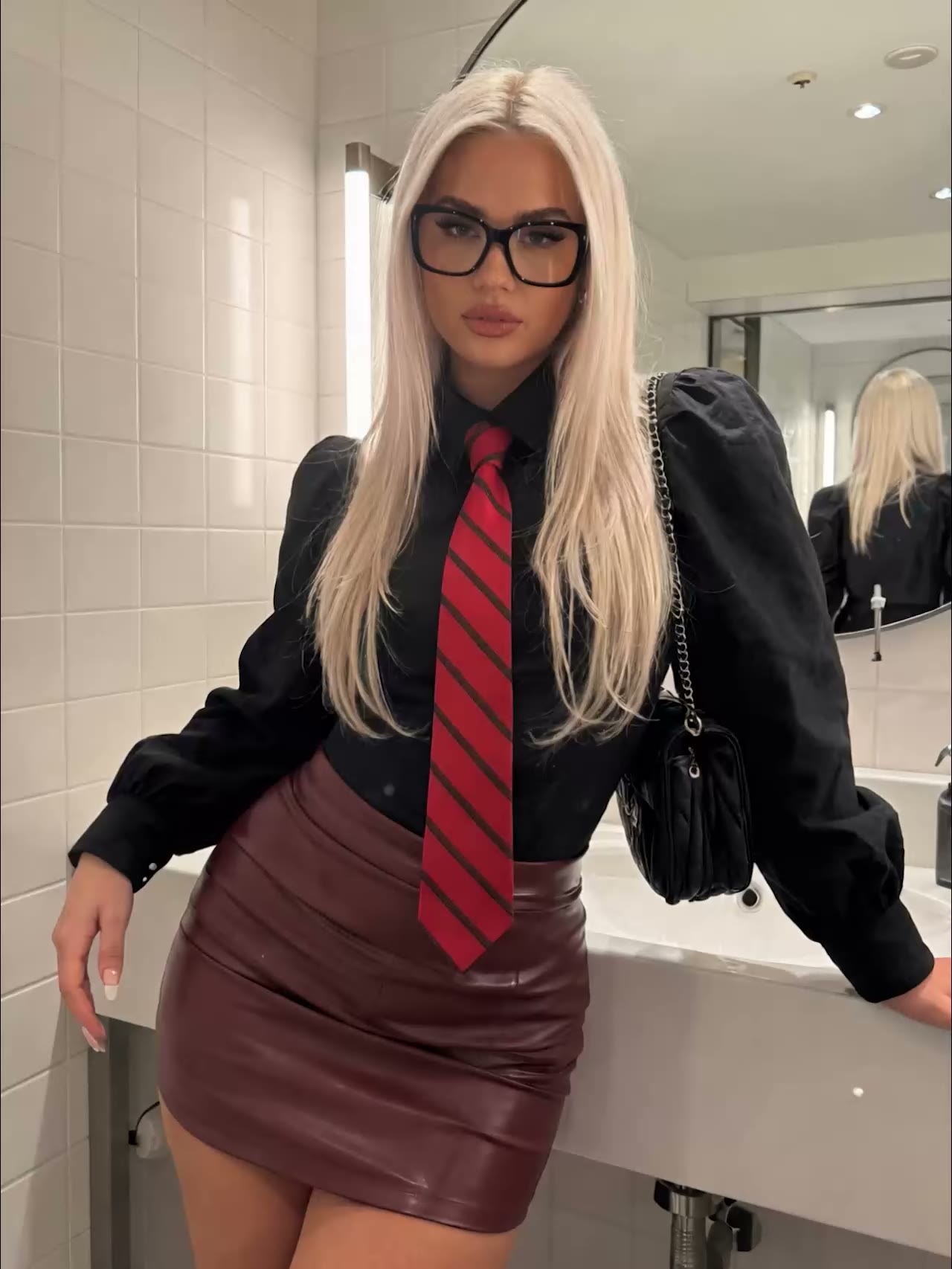
Lip sync in AI video means your character's mouth movements line up with the voice underneath, and it works best with a single front-facing speaker, short lines and clean audio. Talking is one of the hardest things for AI video: the picture often looks fine, but the mouth is just slightly off. This guide explains how lip sync works, why it sometimes fails and how to get it right.
How lip sync in AI video works
A lip sync model links sound to mouth movement. It listens to the audio, predicts which mouth shape belongs to each frame and paints it onto the face, while keeping the pose, lighting and identity intact.
- The best-known open model, Wav2Lip (2020), was the first to do this reliably on arbitrary faces in real footage.
- Newer models read the whole scene first (where the face sits, who is speaking, how the light falls) and hold the sync better on side profiles and close-ups.
- At AI Formule you make talking footage with the video generator: describe the speaker and the action, or bring a photo to life, and pick a model that includes sound.
Why lip sync sometimes fails
The core problem: there are far more sounds than visible mouth shapes. Dozens of speech sounds collapse into about fifteen visemes, the visible mouth shapes. The sounds /p/, /b/ and /m/ look identical on the lips, and so do /f/ and /v/. So the model has to infer from the audio what you are actually saying, and that often breaks down with:
- Fast speech — mouth shapes change faster than the model can cleanly track.
- Side profiles and movement — the mouth is partly out of frame.
- Multiple speakers or noisy audio — it's unclear who is talking.
- Long lines in a single render — small errors pile up.
How tight does the sync need to be?
Tighter than you'd think: people notice a mismatch between mouth and voice remarkably fast. According to the broadcast standard ITU-R BT.1359, a difference only stays "unnoticed" as long as the sound leads the picture by no more than about 45 ms or trails it by no more than 125 ms. Drift further out of step and you immediately see the mouth is wrong, even if the rest of the shot is perfect. That's why "roughly right" usually isn't good enough for lip sync: almost-there quickly reads as fake.
How to get better talking AI videos
- Choose a front-facing speaker with the mouth fully visible.
- Keep lines short. Generate several short clips rather than one long monologue.
- Use clean audio without background noise or overlapping voices.
- Work from a sharp reference photo, with good lighting and no heavy filters, if you bring a face to life through the photo generator.
- Pick a model that supports sound and render a short test clip first. You pay per second, so test small before rolling out a long scene.
Frequently asked questions
Why is my AI character's mouth just slightly off?
Because many different sounds share the same mouth shape, the model has to guess from the audio what you're saying. Front-facing shots, short lines and clean audio reduce the chance of errors.
Can AI re-dub an existing video?
Yes, audio-driven lip sync attaches new audio to an existing face and adjusts only the mouth. It works best on a steady, front-facing shot with the mouth clearly in frame.
Why does bad lip sync stand out so much?
People are sensitive to the timing between picture and sound. From just a few tens of milliseconds of difference you already notice the mouth doesn't belong to the voice.
Which format should I use for talking video?
For social you're usually vertical (9:16). Keep the face large and centred so the mouth stays easy to read.
Talking is hard for AI, but with a front-facing speaker, short lines and clean audio you get surprisingly far. Create an account and test your first talking clip.